How to sell on Ebay: everything you need to know to get started
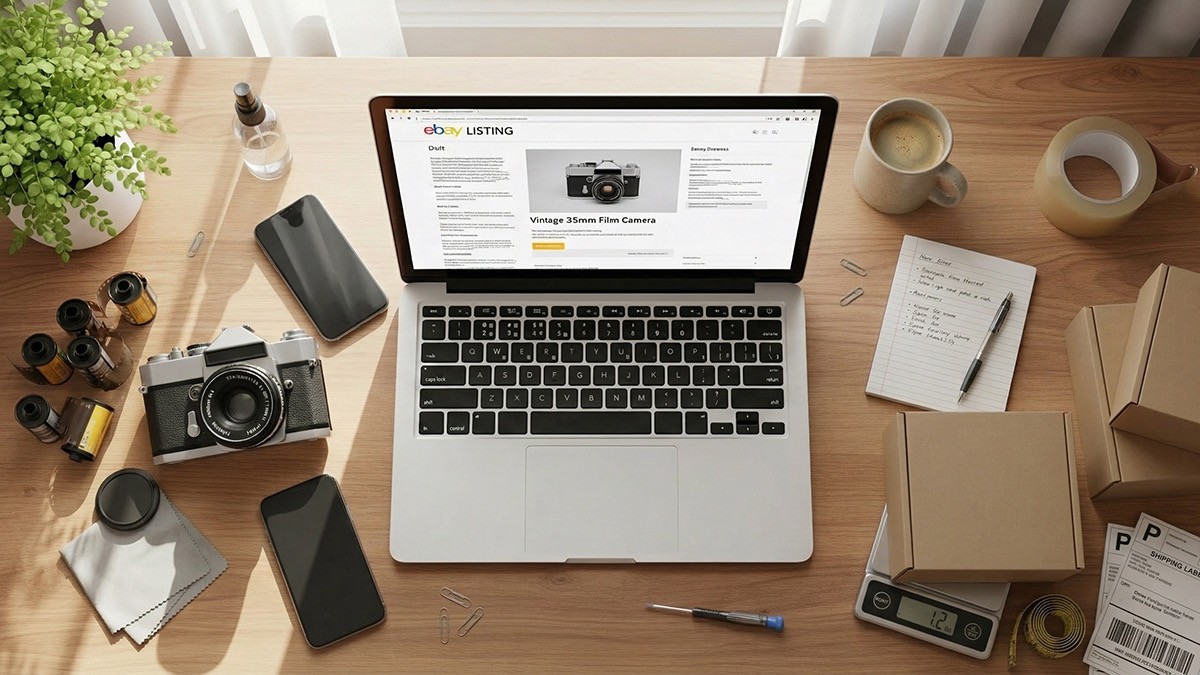
Most people have a “junk drawer” or a corner of their garage that is basically a $500 bill in disguise.
eBay is still the best place to turn that clutter into cash, but the platform has enough moving parts that it can feel like a chore just to get your first listing live.
If you aren't sure where to start, you can find what to sell on eBay by looking for items with high demand and low competition.
I have sold everything from broken vintage cameras to designer shoes. Most beginners quit because they overcomplicate the wrong things. You do not need a professional setup. You just need a process that protects your time and your profit.
Setting up your account correctly
If you have an eBay buyer account, you are halfway there. Log in and click “Sell.” Do not wait until your first item sells to set up your bank details.
eBay uses Managed Payments now, so they deposit money directly into your checking account. It takes a few days to verify your info, so do this today. Also, in 2026, the IRS 1099-K threshold is much tighter. If you plan to sell more than $600 this year, keep your receipts for the items you bought so you can offset your taxes later.
Auctions vs. fixed price: choose fixed price
This is the first decision every seller makes.
I recommend fixed price (Buy It Now) for 90% of items. It is predictable. You set the price, and the buyer pays it. You can add a “Best Offer” option if you are willing to haggle, which helps move inventory faster.
Auctions are only for items where you do not know the value. Think rare collectibles, estate finds, or as-is jewelry lots. If you run an auction on a common pair of Nikes, you will likely be disappointed when only one person bids and gets them for a dollar.
Writing titles that sell
eBay is a search engine, not a lifestyle magazine. Your title should be a string of keywords, not a beautiful sentence. You have 80 characters, so use them to tell the algorithm exactly what you have. You can write a perfect used product listing in seconds by focusing on keywords rather than sentences.
Use this formula: Brand + Model + Size/Dimensions + Color + Condition + Material.
A bad title looks like: “Awesome vintage camera, looks great, L@@K!” A better title looks like: “Canon AE-1 35mm Film Camera Black Body Only Tested Working Clean”
Skip the fluff like “rare” or “stunning.” Buyers do not search for those words. They search for “size 10” or “1080p.”
Pricing based on reality, not hope
The biggest mistake new sellers make is looking at what other people are asking for an item. Anyone can ask $1,000 for a Beanie Baby. That does not mean it is worth that. For a deeper look, check out the ultimate guide to pricing used items online.
Search for your item, then go to the “Filters” menu and select “Sold Items.” This is the only data that matters. It shows you what people pulled their wallets out for in the last 90 days. Price your item in the middle of that range for a steady sale, or at the low end if you want it gone today.
The 2026 shipping reality
Shipping is where profit dies. If you guess the weight, you are gambling.
Stop paying retail prices. Never buy a label at the post office counter. Buy it through eBay to get the commercial discount. You can show a QR code on your phone to the clerk, and they will print the label for you for free.
USPS Ground Advantage is your best friend for anything under 70lbs. It is cheap, includes $100 insurance, and is fast.
Measure the box, not the item. If you put a small watch in a massive box, you will be charged for the box’s size. Use the smallest box possible that still allows for padding. I suggest using calculated shipping for your first few sales so the buyer pays exactly what it costs to get the box to their zip code.
👉 Tip: Learn from a pro. Check out this eBay Beginners Guide from Ryan Roots who flipped $200 into Millions 😱🤑
Using Hero Stuff to speed things up
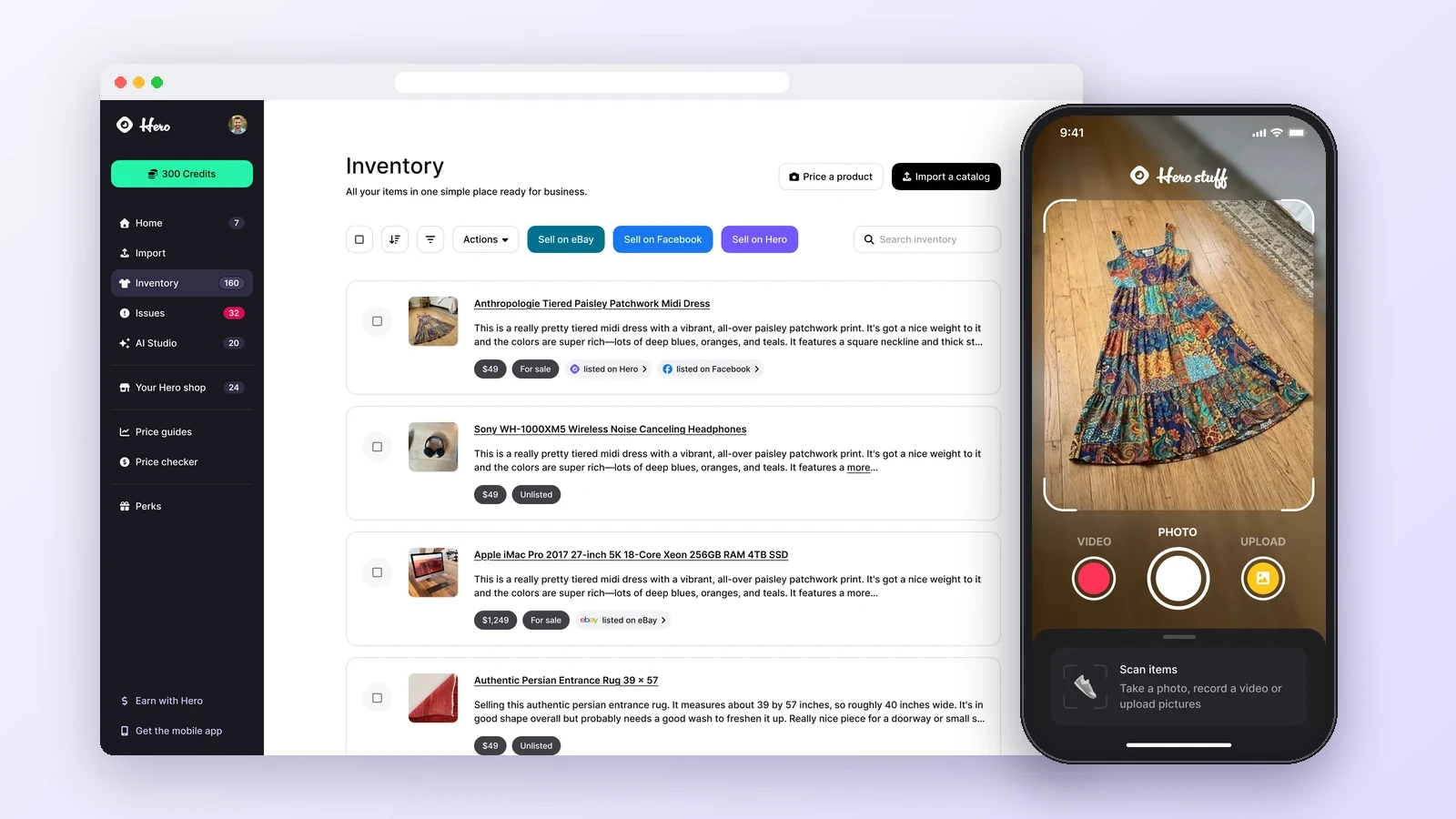
If you have a pile of 50 items to list, the “blank page” problem is real. This is where a tool like Hero Stuff is useful.
Instead of staring at a blank description box, you can use the tool to auto-generate a listing from a photo or a few basic details. It handles the item specifics, those annoying checkboxes for brand and material that eBay’s search engine craves.
The trick is to use the draft as a foundation. Always go back in and add human details. Mention that tiny scratch on the corner or the fact that the item comes from a smoke-free home. That transparency builds the trust that turns a watcher into a buyer.
Your first sale checklist
Before you hit “Publish,” run through these points. Make sure you took pictures of the flaws, as hiding them leads to returns. Check that the brand and model are in the first five words of the title.
Weigh the item inside the shipping box rather than by itself. Finally, set a return policy. Accepting returns helps you rank higher in search results.
Once it sells, ship it within 24 hours. On eBay, your reputation is your currency. Fast shipping and honest descriptions will get you the 5-star feedback you need to start selling higher priced items.
Happy flipping ✌️
The best apps for resellers in 2026

Is there an AI that creates eBay and Facebook Marketplace listings for you?

How to Import Shopify or WooCommerce Products to eBay and Facebook Marketplace
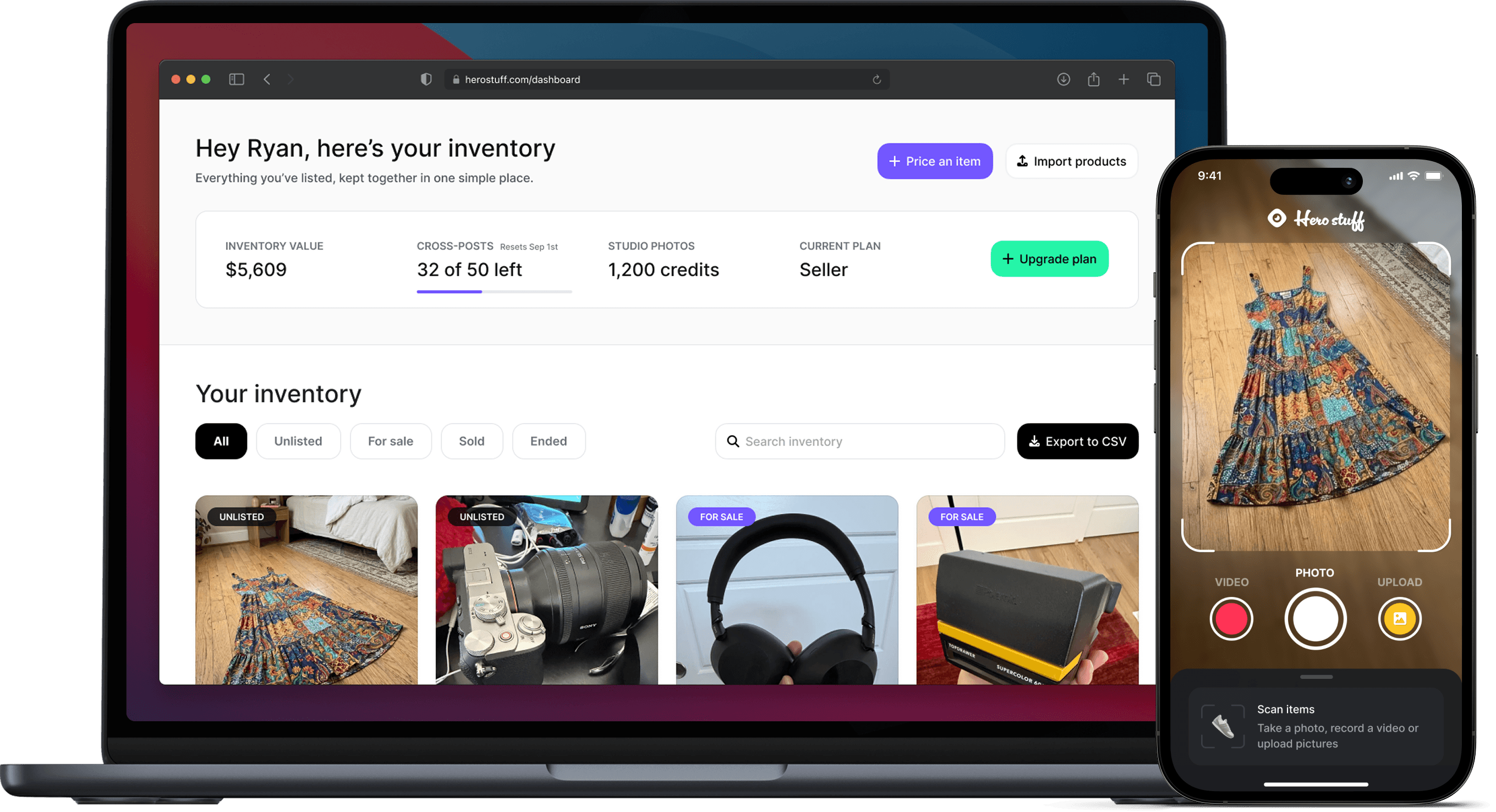
Hero now does bulk: connect Shopify, import your catalog, list everything

Hero is now available globally 🇩🇪 🇪🇬 🇮🇳
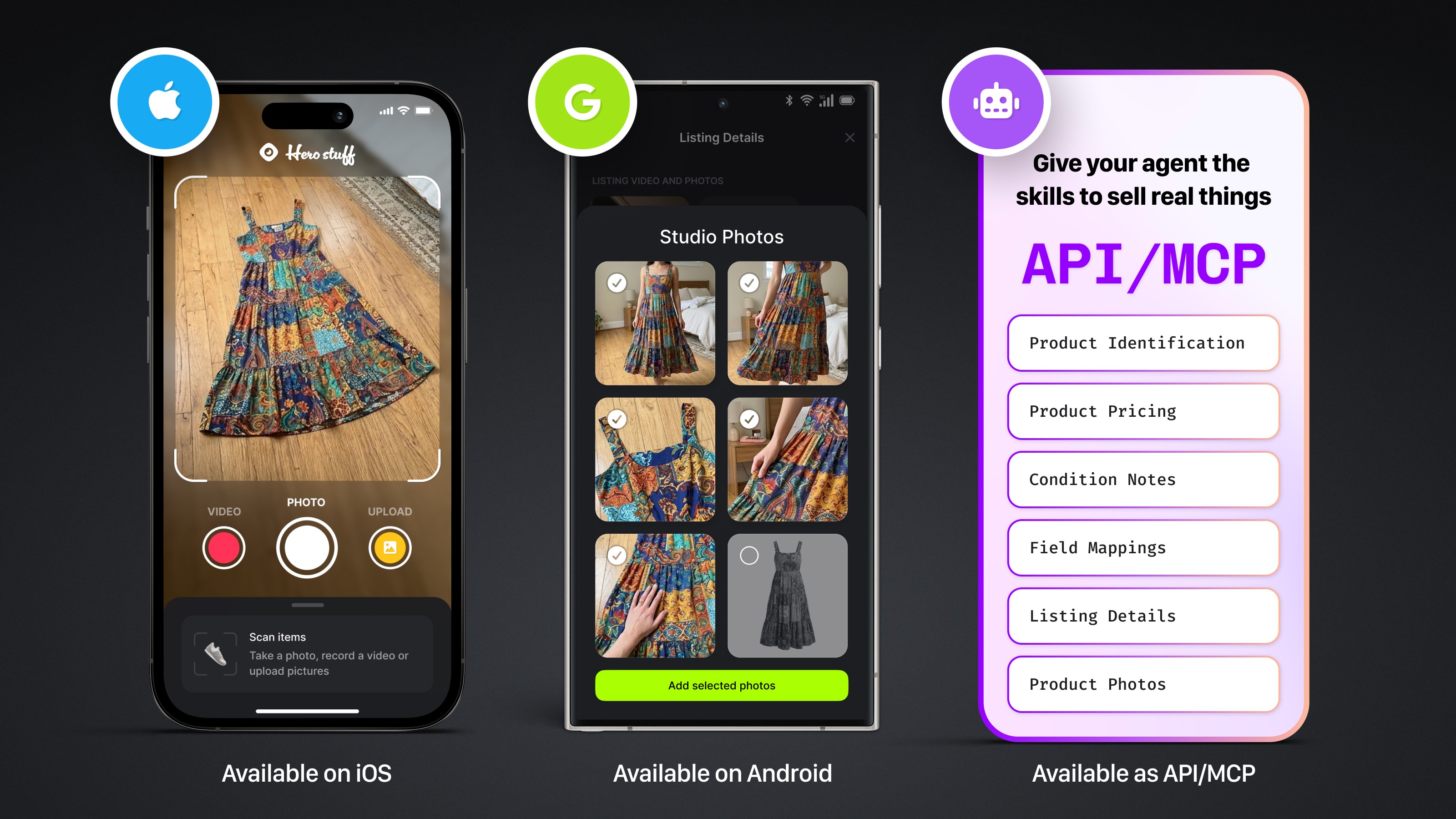
Four new ways to sell with Hero
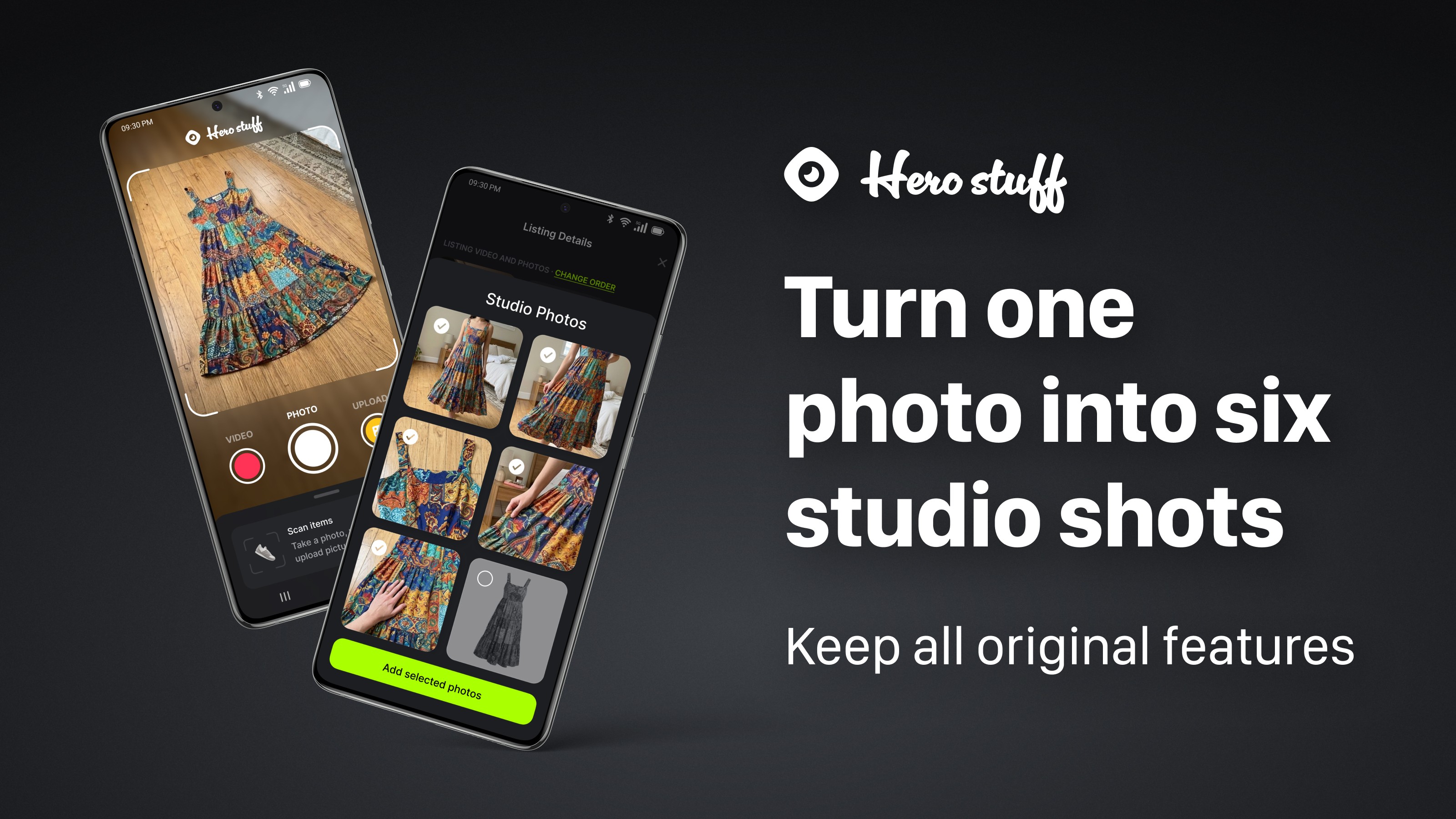
Introducing Studio Photos: Turn one photo into six studio shots